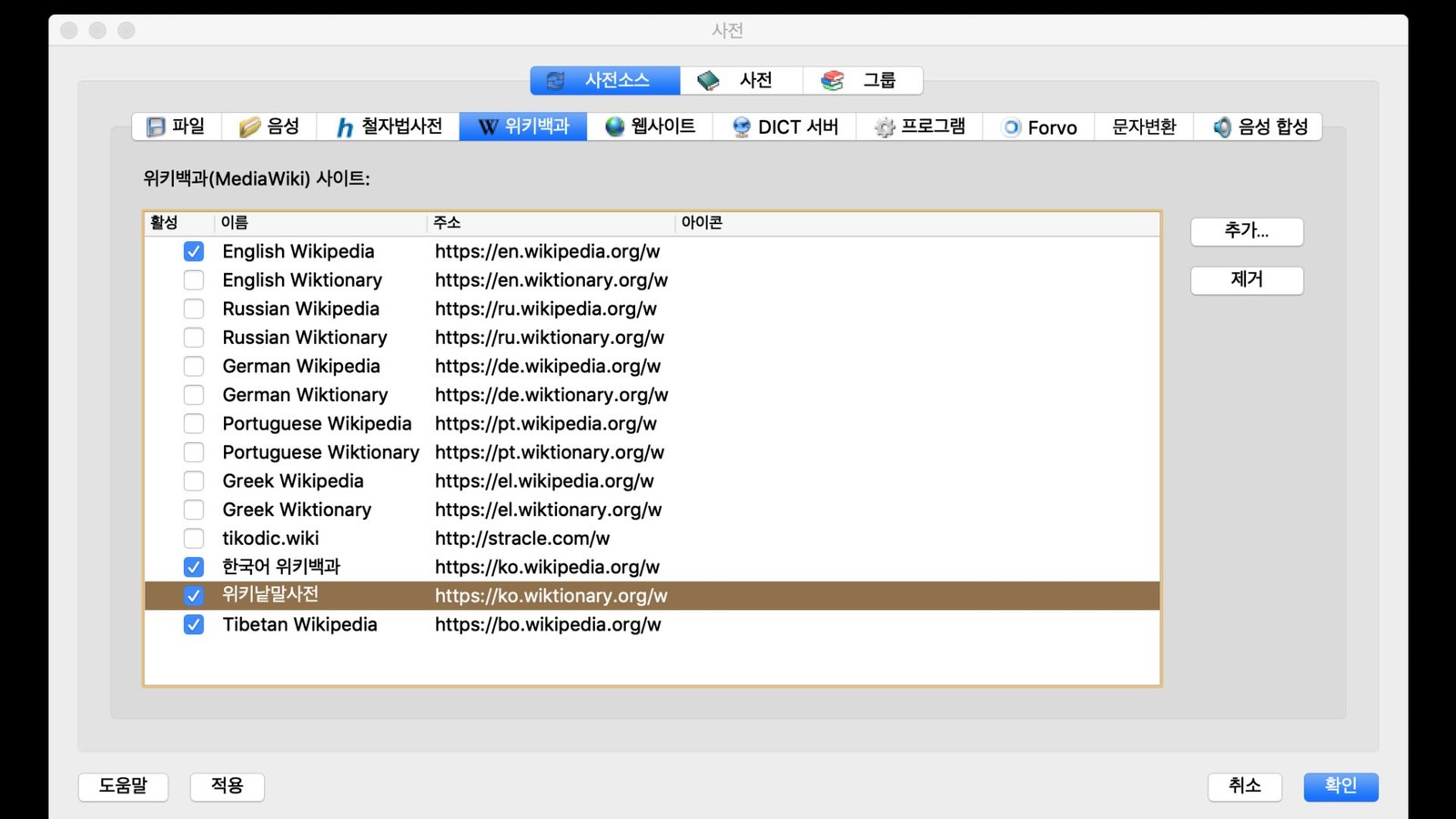
StarDict is a free, open-source dictionary program for Windows and Linux. Its main developer, Hu Zheng, still maintains it through the project’s own SourceForge homepage and GitHub repository. Star Dictionary is a separate words and language reference under unrelated ownership. It is not the StarDict project and does not distribute the program or its dictionary files. In November 2026, the newest StarDict release is 3.0.7 from October 2023, and the StarDict dictionary format (.ifo,.idx,.dict.dz) still works in other readers such as GoldenDict-ng.
What the 2009 Windows documentation covered
The original page, dated May 2009, was a help page for the Windows build of StarDict. This address hosted the program’s website until about 2013. The material below is kept as history, with dates and versions corrected where they have changed.
Table of contents:
|
Login
|
||
Back then, StarDict was a desktop dictionary built on the GTK+ toolkit. It looked words up in dictionary files stored on the user’s own computer. The Windows version installed like any other Windows program. It used the same dictionary file format as the Linux version, so one dictionary file could be used on both systems.
Today the Windows story is less tidy. The project homepage still lists StarDict-3.0.1.2.exe as its Windows installer. Its Linux packages go up to 3.0.7. Release notes for the Windows build live on the developer’s pages, not here.
How StarDict works on Windows
StarDict looks words up as you type, and it can also translate words you select in other programs. The Linux packaging of the current release lists these core features: a pop-up translation when you select a word with the mouse, pronunciation, glob-style and fuzzy search, plugins, and a system-tray mode.
| Feature | What it does | Notes |
|---|---|---|
| Scan selection | Shows a pop-up translation of the word under your selection | The feature most users installed it for |
| Fuzzy search | Finds close matches when you misspell a word | Good for learners spelling by ear |
| Glob-style search | Matches patterns with wildcards such as * and ? |
Handy for crossword-style lookups |
| Pronunciation | Plays or shows how a word is said | Depends on which dictionaries and sound files are installed |
| Plugins | Add-ons such as a character map and online lookups | Which plugins are available varies by build and platform |
| Tray mode | Keeps the program running quietly in the notification area | Lets scanning work in the background |
Search quality depends on the dictionaries installed. The program itself has no word list. Every definition comes from a dictionary file, so the results can only be as good, and as legally sourced, as that file.
The StarDict dictionary file format
A StarDict dictionary is a set of files that share one base name, such as somedict.ifo, somedict.idx and somedict.dict.dz. The official StarDict File Format document says the program finds the.ifo file first, then opens the index and data files with the same name in the same folder.
| File | Required? | Purpose |
|---|---|---|
| .ifo | Yes | Plain-text information file. The first line must read “StarDict’s dict ifo file”, followed by a version line (2.4.2 or 3.0.0) |
| .idx or.idx.gz | Yes | Sorted word index pointing into the data file. Can be gzip-compressed |
| .dict or.dict.dz | Yes | The definitions themselves. The.dz version is dictzip-compressed |
| .syn | No | Synonyms and alternate forms that point to existing entries. Supported from StarDict 2.4.8 |
| .idx.oft,.syn.oft | No | Cache files the program creates to load faster. Added in 2.4.8 |
The spec recommends an uncompressed.idx with a compressed.dict.dz for new dictionaries. Numbers are stored in network byte order, and all text must be UTF-8. Version 3.0.0 of the.ifo format added the idxoffsetbits option, which allows 64-bit offsets for very large dictionaries.
Because the format is documented and stable, it has outlived much of the original program’s popularity. Libraries in Rust, Go, Haskell and JavaScript read it. GoldenDict-ng lists StarDict alongside MDict, ABBYY Lingvo DSL, XDXF, Zim, Slob, DictD and Epwing, and its documentation points to PyGlossary for converting between formats.
Dictionaries, licensing and history
StarDict’s dictionary collection has a messy legal history, and that history is why this page carries no download links. Many files passed around under the StarDict name were unofficial conversions of commercial dictionaries, made without the publisher’s permission.
- 2006: At the end of 2006, Hu Zheng cited personal financial problems and began charging users to download dictionary files. According to Wikipedia’s history of the project, this upset parts of the Linux community.
- Removal from SourceForge: The project’s own pages later said the original SourceForge project had been removed after copyright infringement reports. Outside developers, including a 2012 Mageia mailing-list post and a Gentoo bug thread, noted that the specific reports were never documented in public.
- Google Code and back: The project moved to Google Code and later returned to SourceForge under the name stardict-4.
- Downstream clean-up: FreeBSD’s ports tree removed some StarDict dictionary packages over possible copyright problems.
If you want legal word data, look for dictionaries with a clear free license, or use a publisher’s own app or website. Merriam-Webster, Oxford and Cambridge all run free online dictionaries.
StarDict version history
StarDict’s last major release was 3.0.7, which the developer called the “MasterWork” edition, in early October 2023. The changelog records a follow-up 3.0.7-2 on 4 January 2024 that moved the license back to GPLv3.
| Version | Date | Notes |
|---|---|---|
| 2.4.8 | Before 2009 | Added.syn synonym files and.oft cache files |
| 3.0.1.2 | 2000s | Still the Windows installer listed on the project homepage |
| 3.0.6 | 27 January 2015 | Long-running stable release. Ubuntu was still packaging it in 2019 |
| 3.0.7 (MasterWork) | Early October 2023 | Current release. The homepage lists Win32 among supported systems |
| 3.0.7-2 | 4 January 2024 | License returned to GPLv3 |
Linux distributions now ship 3.0.7 builds taken from later source snapshots. Debian, for example, packages a version based on a September 2022 snapshot of the code.
Credits on the original page
The 2009 page ended with the credits for its hosting and site software:
FAQ
Is Star Dictionary the official StarDict website?
No. Star Dictionary is an independent reference for word meanings, word origins, idioms and translations, and it has no connection to the StarDict software. The program’s official information is on its SourceForge homepage (stardict-4) and in Hu Zheng’s GitHub repository, stardict-3.
Does StarDict still work on Windows?
The project still lists Windows (Win32) as a supported system. However, the Windows installer on its homepage is version 3.0.1.2, which is much older than the 3.0.7 Linux release. If you want an up-to-date Windows program that reads StarDict files, GoldenDict-ng is the most widely used choice.
What files make up a StarDict dictionary?
You need at least three files with the same base name: an.ifo information file, an.idx index and a.dict data file. The index can be gzip-compressed, and the data file can be dictzip-compressed (.dict.dz). A.syn file for synonyms is optional.
Are StarDict dictionaries legal to use?
That depends on the dictionary. The format itself is open, but many files shared online were unlicensed copies of commercial dictionaries, which is why some were taken down. Use dictionaries with a stated free license, or the publisher’s own app or website.
Can StarDict files be converted to other formats?
Yes. GoldenDict-ng’s documentation recommends PyGlossary, an open-source tool that converts between StarDict and many other dictionary formats. Converting a dictionary does not change its license, so the copyright rules above still apply.
Who develops StarDict?
Hu Zheng is the main developer, and other contributors have helped over the years. Linux distributions such as Debian and Ubuntu maintain their own packages of the program. Bug reports and release notes belong on the project’s own pages.
Sources
- StarDict project homepage (SourceForge, stardict-4)
- StarDict File Format specification
- StarDict 3.0.7 ChangeLog (GitCode mirror of the developer’s repository)
- StarDict article, Wikipedia
- GoldenDict-ng supported dictionary formats
- stardict source package, Ubuntu Launchpad
About this article
- Fact-checked before publication.
- Published · Updated